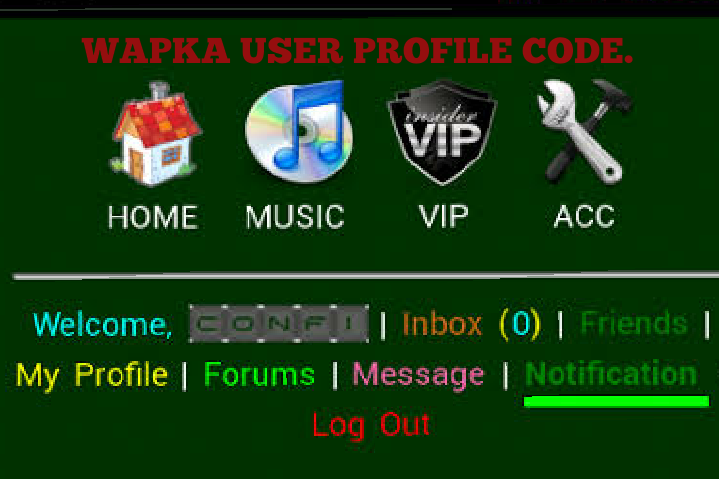
All wapka codes to setup user profile, friends, messages, and Edit profile.
These are the important codes you need to setup your user profile.
Wapka Mobile site is good for forum site creation and chatting site.
Many novice goes for wapka site because it is simple and easier for people that doesn’t know much about coding and programming.
This below codes are used to create and setup a user dashboard for wapka site.
(adsbygoogle = window.adsbygoogle || []).push({});
Wapka user profile settings code.
Home:
<a href=”http://yourname.wapka.com”>Home</a>
This code above is used to setup homepage for user.
Profile:
<a href=”:url-usr-myprofile:”>Profile</a>
This code above is used to setup your user profile.
Friends:
<a href=”:url-friends:”>Friends</a>
This above code is used to setup your user friend menu and options.
Messages:
<a href=”:url-pm:”>Messages</a>
This code above is used to setup your user message.
(adsbygoogle = window.adsbygoogle || []).push({});
Edit profile:
<a href=”:url-usr-profile::”>Edit profile</a>
This code above is used to setup an edit profile for your user profile.
If you wants to use the above code.
When you enter your Admin mode, at the bottom of your site.
Click ::Edit Site:: then scroll down to click on WML/XHTML to paste this above codes.
You can join all this code together so it will gives you what you want.
That’s all.