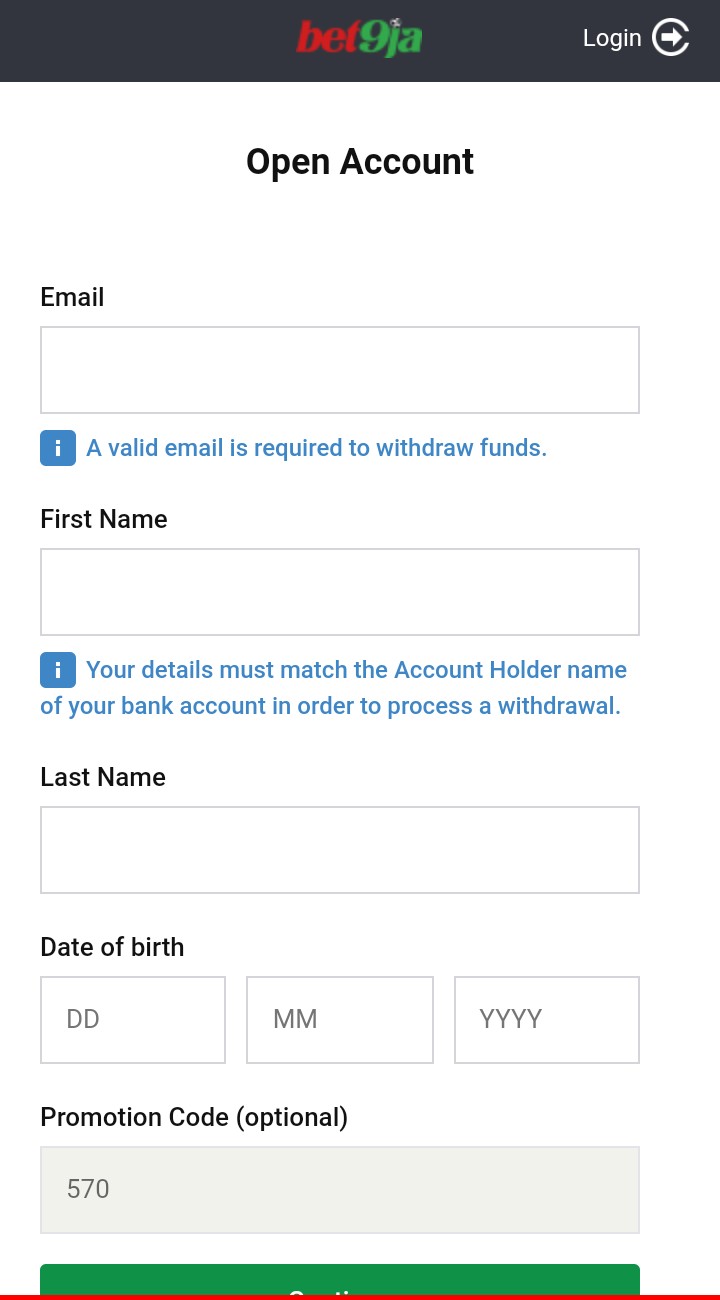
I’m going to be teaching you how to open a bet9ja account from your phone or laptop, it’s quite easy, just follow these easy steps below;
First of all what you need to do is to visit bet9ja website www.bet9ja.com on your browser.
Then click on “Register“, its located at the top left corner of the site in order to create an account.
You will be asked to fill in your
Email
First name and last name
Note: The names must match the Account holder’s name of your bank account in order to process a withdrawal
Then enter your “date of birth“
Then promotional code (not necessary) if you don’t have
Then click on “Sign up“.
Now, an ‘email’ will be sent to your mail to “confirm your email account“, with the “verification code” you will use to be able to complete the registration, then some fields will be given in the fields you will have to setup your
Username
Password
Your password must be minimum of 8 numbers and letters
Then confirm your password
That’s all, it is easy, you can now log in.