

How to Withdraw Money from your Bet9ja Account
Step 1:
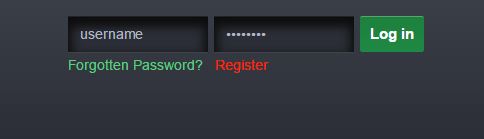
Login to your Bet9ja account with your username and password using the function provided at the top right of the website.
Step 2:
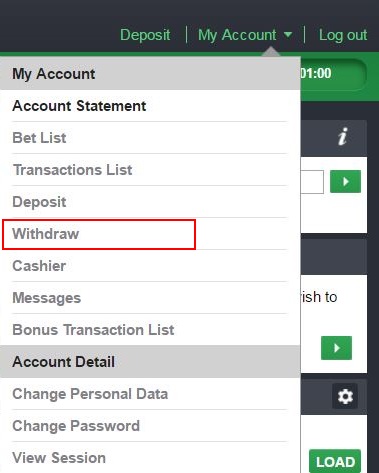
Goto “MY Account” at the top right corner and click “Withdraw”, but if you are using Bet9ja New Mobile.
After you click on “MY Account” then click on “Cashier” and you will see “Withdrawal”.
Step 3:
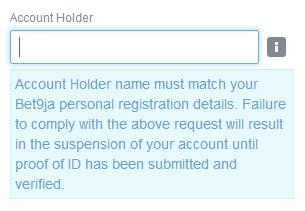
Before proceeding, kindly note…
Step 4:
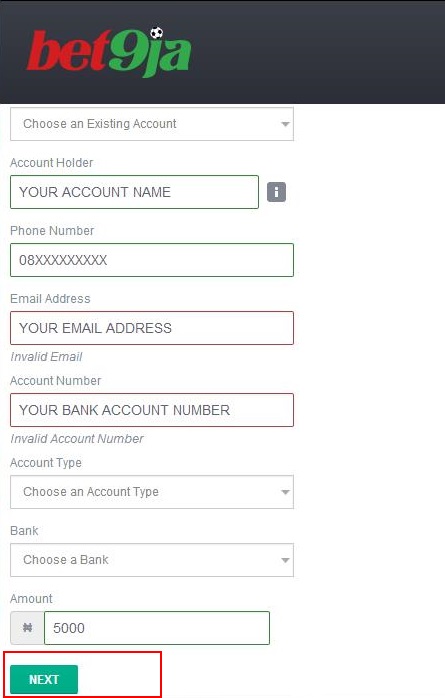
Fill in your correct bank details and click “Next”.
Step 5:
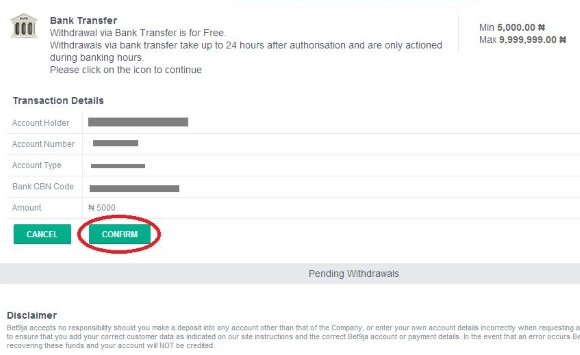
Verify your transaction details and click “Confirm”.
Step 6:
You will receive confirmation of your withdrawal request. You will also be able to use the function within the cashier to view your pending withdrawals.
